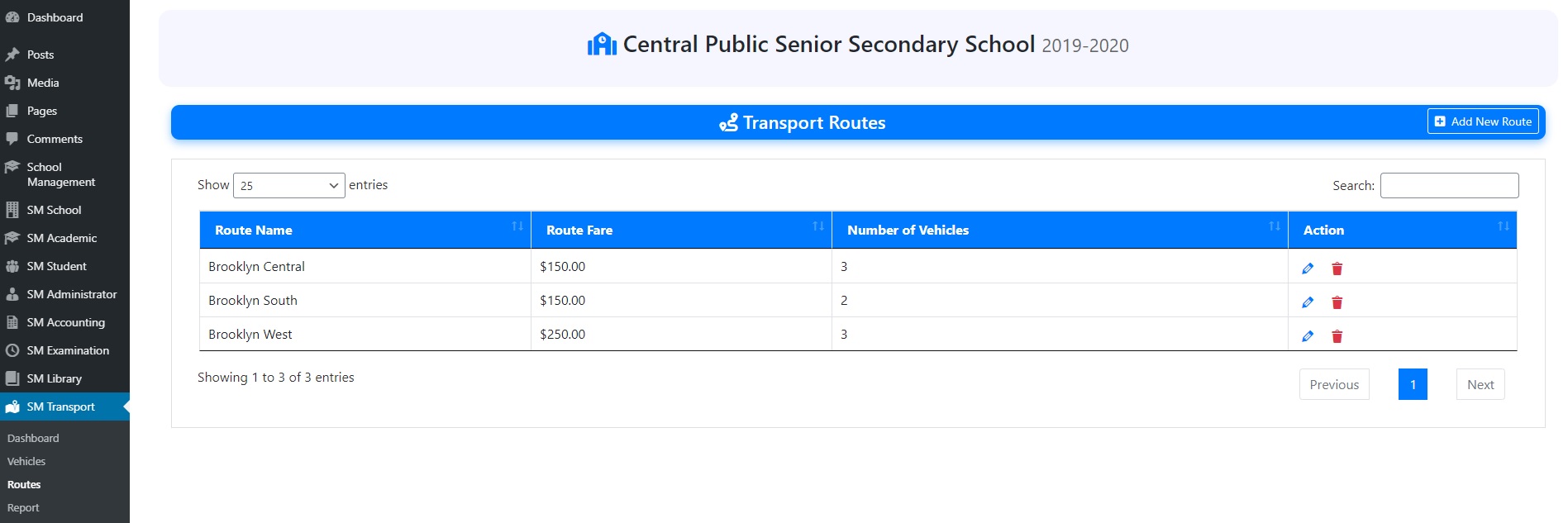
1). Go to “Routes” under “SM Transport”.
2). Here, you can view all the transport routes.
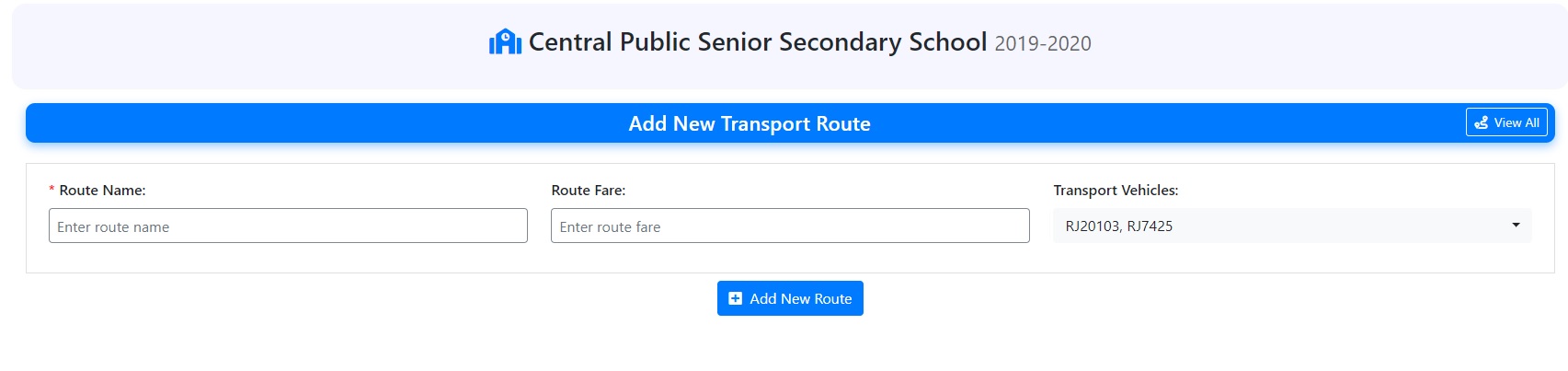
3). To add a new routes, click on “Add New Routes” and specify route name, route fare and select vehicles available in this route.
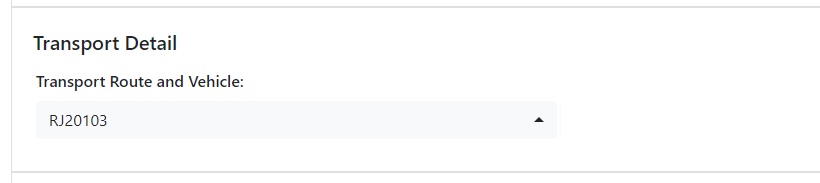
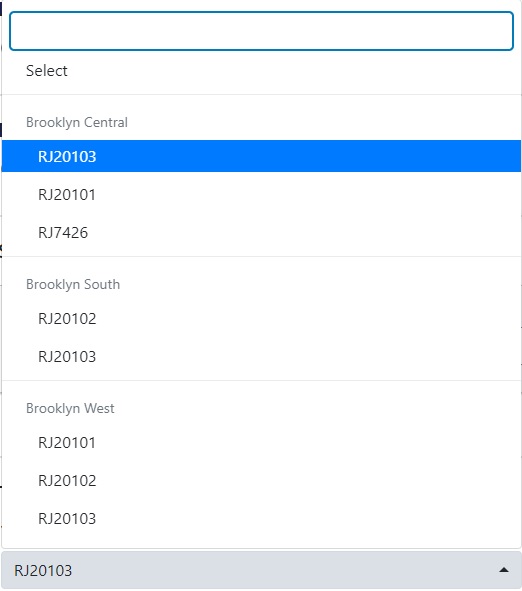
4). You can assign transport vehicle and route to students at the time of admission or by editing the student record.