1). Go to “Books Issued” under “SM Library”.
2). Here, you can view all the books issued to the students.
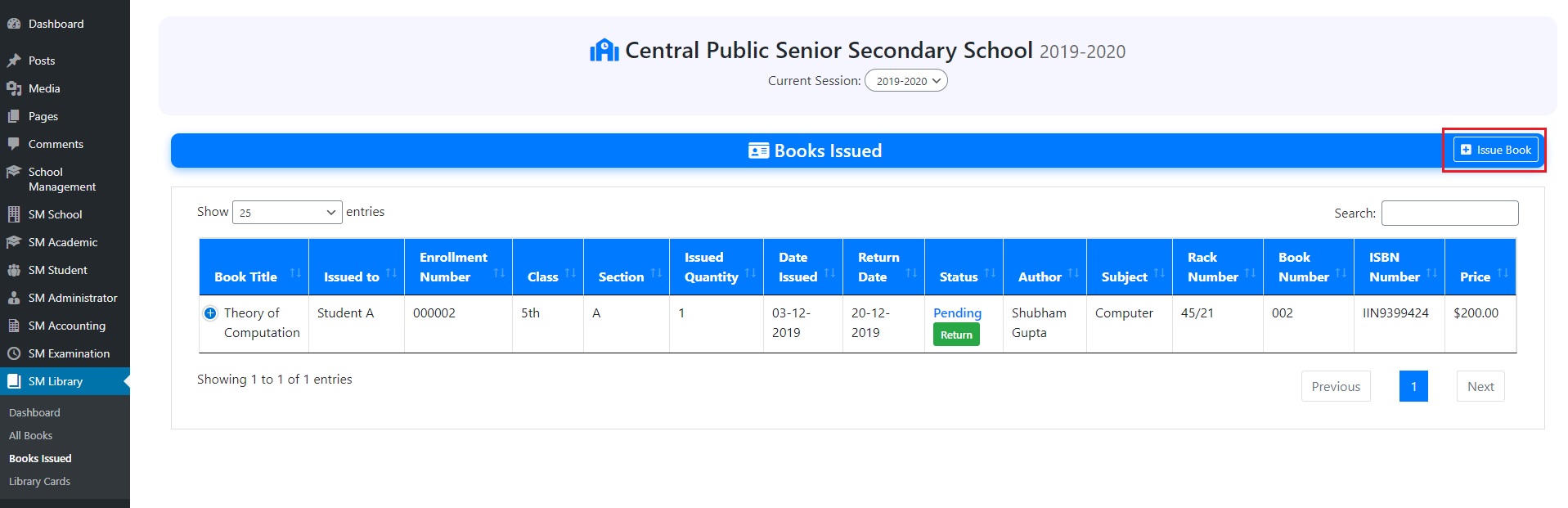
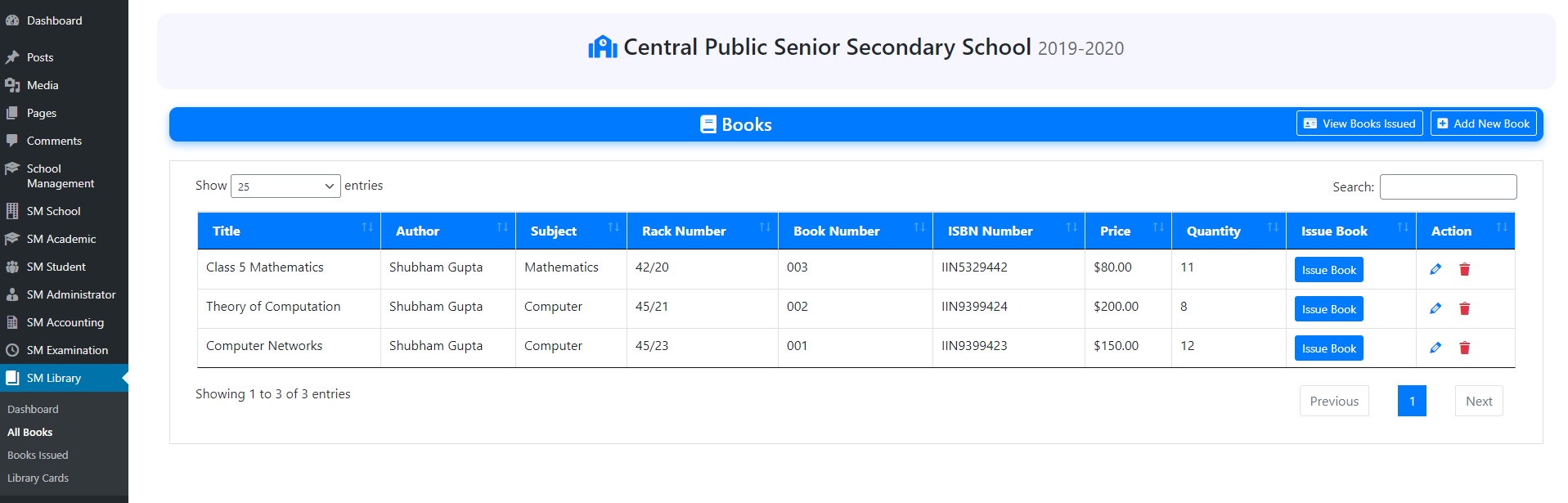
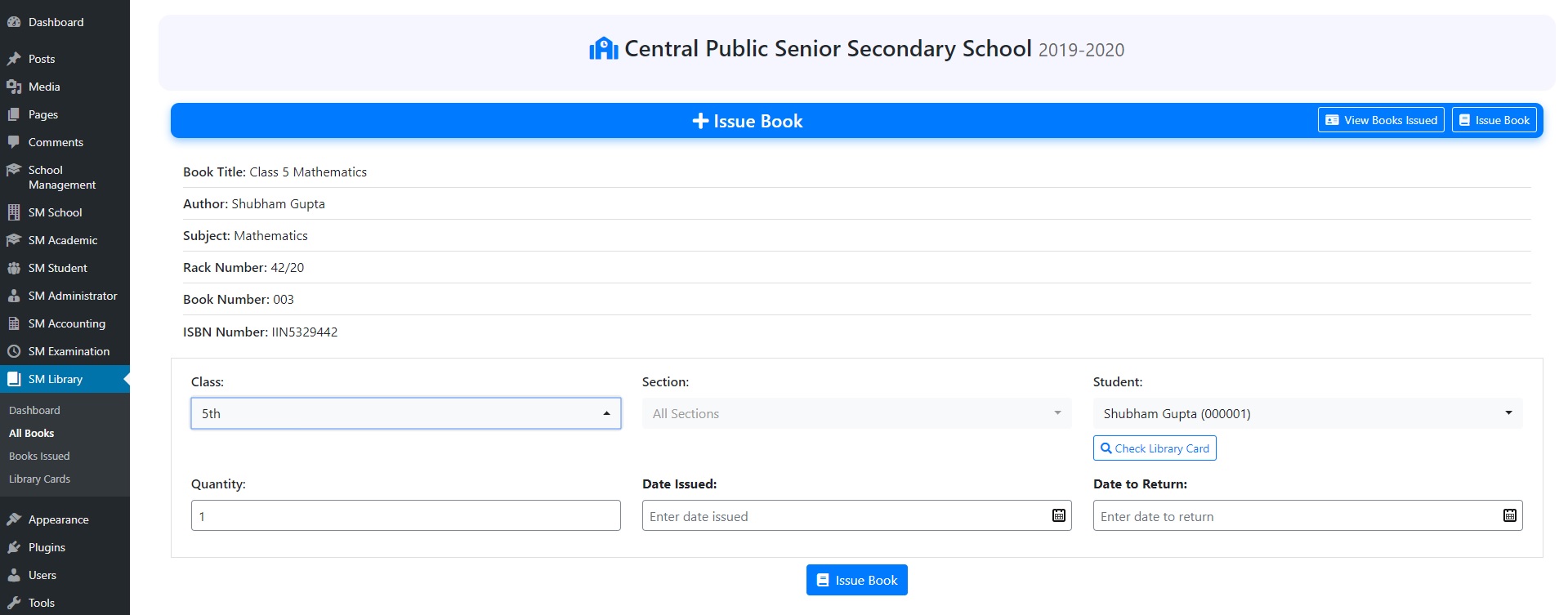
3). To issue a new book, click on “Issue Book”, select class, section, student, book quantity, date of issue and return.
4). Here, you can also check for student library card.


